








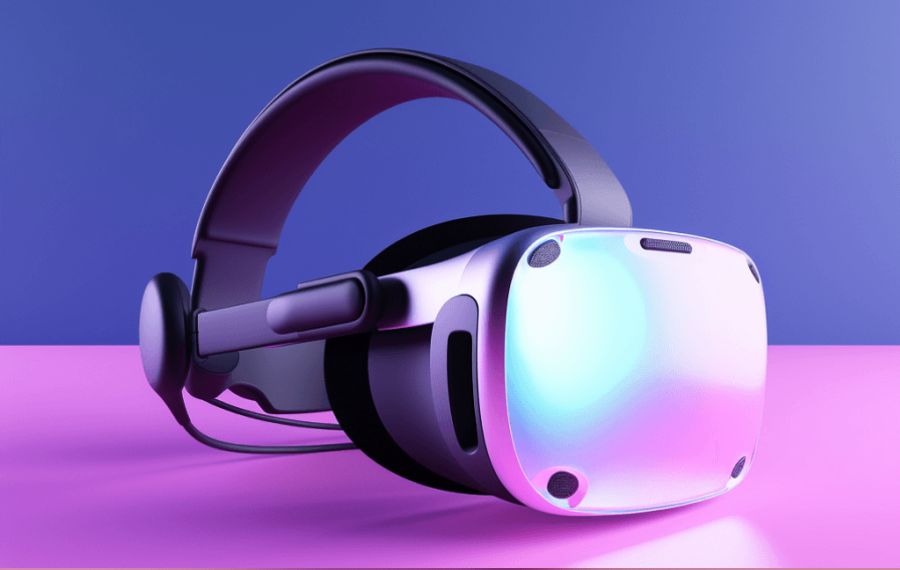
Want to feel like a hot girl is actually on her knees sucking you off or riding you senseless? Then you need to watch SwallowBay’s 8K VR porn on your Oculus Quest 2 the right way. The Quest 2 is still one of the most popular headsets for immersive VR porn, and when set up correctly it delivers an incredibly lifelike experience.
Best Way to Watch 8K VR Porn on Quest 2 in 2026
The easiest and highest quality method is using Skybox VR Player (free version works great):
- Put on your Quest 2 and connect to Wi-Fi.
- Go to the Oculus Store and install Skybox VR Player.
- On your phone or PC, go to SwallowBay.com and download any scene you want (choose 6K or 8K 180° SBS files for best quality).
- Connect your Quest 2 to your PC with a USB cable, allow file access, and copy the videos into the Movies or Downloads folder.
- Put the headset back on, open Skybox, browse to your video, select 180° Side-by-Side mode, and enjoy full immersion.
Why Quest 2 Still Feels Amazing for VR Porn
Even in 2026, the Quest 2 handles SwallowBay’s long, high-resolution scenes beautifully. You’ll feel every slow teasing stroke, every sloppy deepthroat, every tit fuck, and every intense ride in stunning detail.
Popular categories that look incredible on Quest 2:
- Sloppy Blowjobs
- Big Tits VR
- Big Ass VR
- Handjobs & Cock Milking
- Hardcore POV
Browse All 8K VR Porn Videos Now →
Join SwallowBay for unlimited access to our full library of premium 8K POV scenes.