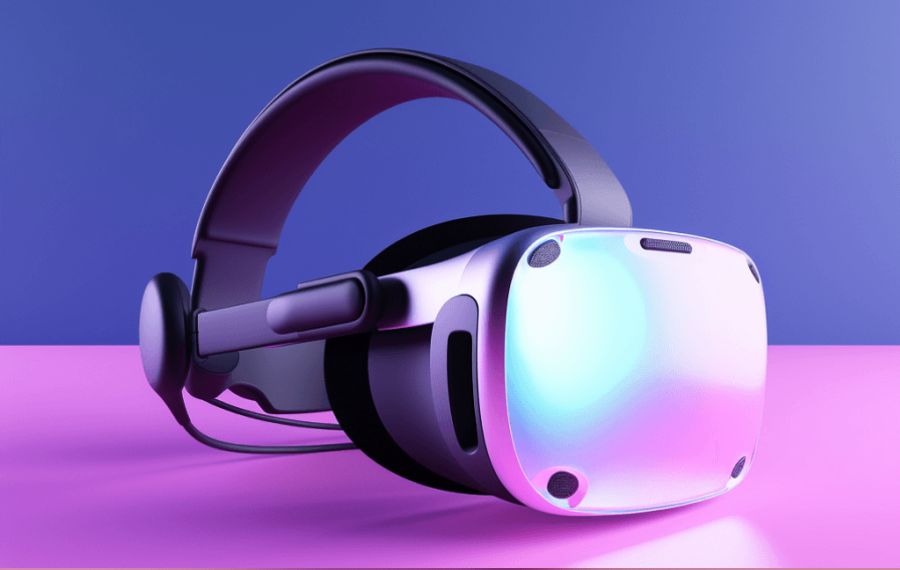








The best way to watch VR porn depends on two things: the headset you own and whether you want to stream or download. A good setup should be simple, sharp and comfortable enough that you can forget about the hardware once the scene starts.
Before choosing a player, check the resolution and format shown beside the download. Our guide to VR video file numbers and resolutions explains what those labels mean.
Meta Quest 3 and Quest 3S
- Connect the headset to a stable Wi-Fi network.
- Open the built-in browser and sign in to SwallowBay.
- Choose a scene from the latest VR releases.
- Stream first to confirm that the scene and projection look right. For the highest consistent quality, download the file and open it in a dedicated VR video player.
- Confirm that the player is using the correct 180-degree stereoscopic mode. If the picture looks flat, doubled or distorted, the projection setting is usually the cause.
Quest headsets are the easiest option for most viewers because they do not need a gaming computer. A downloaded file also avoids buffering when the Wi-Fi connection is busy.
PC VR headsets
Valve Index, HTC Vive, Pimax and similar headsets use the computer as the playback device. Download the scene to the PC, open it in a VR video player that supports stereoscopic 180-degree video, and select the projection mode that matches the file.
PC playback gives you more control over storage, decoding and player settings, but the computer still needs enough graphics and video-decoding power for high-resolution files. If playback stutters, try a smaller download before assuming that the headset is the problem.
PlayStation VR2
PSVR2 playback is less direct than Quest or PC VR because the available video apps and supported playback routes can change. Check the current player options for your console before downloading a large file. If your preferred player cannot open stereoscopic video, use a supported Quest or PC VR setup instead of forcing the wrong projection.
Streaming or downloading?
Streaming is convenient when you want to sample a scene quickly. Downloading is better when you want the full resolution, predictable playback or offline viewing. The sharpest file is not automatically the best choice: a smooth 6K scene will feel more immersive than an 8K file that constantly pauses.
Make the image comfortable
- Clean the lenses and set the interpupillary distance before starting.
- Keep the horizon level and the headset secure, without overtightening the strap.
- Start with a short scene if you are new to immersive video.
- If you feel dizzy or nauseated, stop and use our guide to reducing simulator sickness in VR.
If you are still choosing hardware, compare the tradeoffs in our VR headset guide. The right headset is the one that plays the files you want comfortably and reliably—not simply the model with the longest specification sheet.